


Note: Colors are now on by default for all users
Hey there wonderful Workflowy folks.
We’re ready to share our implementation of 🌈 colors in beta with you. Please keep in mind that the feature is still in beta and so there are some rough edges.
We would love to get some feedback, so please feel free to play with it, start using it, and share your thoughts with us💬 .
To activate the feature, open the settings panel then toggle the ‘Colors’ feature.

Make sure you’re on beta.workflowy.com or using the beta version of the app, otherwise you won’t be able to toggle the feature on or see the latest changes.
Feedback we incorporated
We read all your comments regarding the initial visual design and have incorporated some of that into this version. For example:
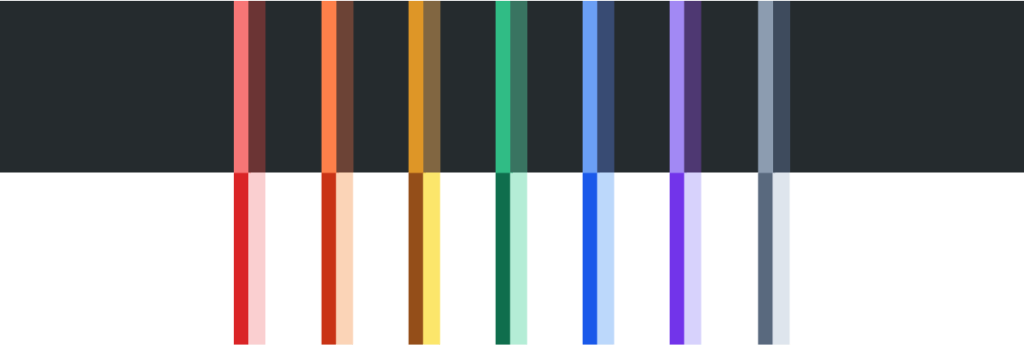
- Changed color palette to better support users with color blindness
- Added neutral gray color
- Copy/paste keeps colors
- Applying color again removes the color
What can I color in Workflowy?
We’ve implemented the three main things we mentioned in the previous colors post.
To apply text highlighting, simply select some text and you’ll see the new option in the text widget.
Text color – You can apply this anywhere you like
Text background color – You can also apply this anywhere
Tags – Defaults to no color, but once you pick a color, it will sync everywhere
Keyboard shortcut – For applying the last style
Where we would like feedback
Tell us how you used colors in Workflowy
If you could change one thing about colors in Workflowy, what would it be?