



How to reorder your starred items

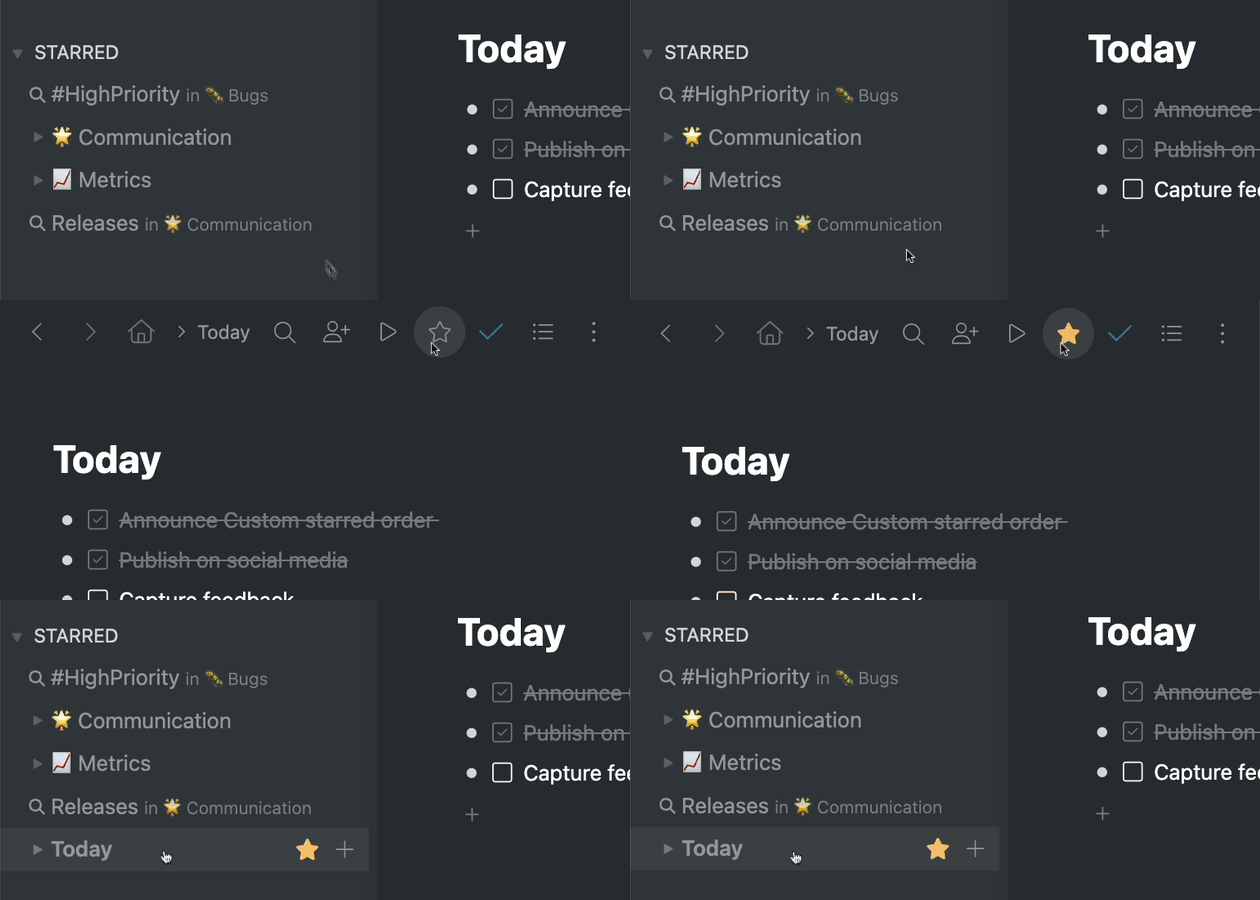
How to star an item
Hey Workflowy folks, today we’re adding the ability to reorder all the items in the starred section of the sidebar. This means you can drag and drop any item in your starred section to place them in a new order. Previously, items were shown in the starred section based on the order they were starred in. This meant the starred items were not always ordered in the most useful way.
If you’re not familiar with starring items, you can do so by zooming into any item in your Workflowy account and then clicking the star icon in the menu bar. Starred items are displayed in the sidebar under the ‘STARRED’ section and clicking them takes you to that starred item.
You can also star searches to perform that search each time you click on the starred search in the sidebar. To star a search, first perform the search and then click the star icon in the search bar to save it.
And that’s it. A simple but useful feature that gives you more control over the starred section and lets you organize your starred items however you want. Let us know what you think about this feature in the comments below and anything else you think we should know.
Until the next one!