
Timeline
We’ve added Timeline to the Calendar, making it easy to plan and organise in the moment.
The idea: stop trying to hold everything in your head, or wrestling with a rigid weekly plan. Deal with things now or push them to the next logical, reasonable, or opportune time, and trust they’ll come back when you need them.
Timeline shows the next 30 days, with quick navigation across the next 12 months. A Tickler file, for our fellow productivity geeks. Drag nodes onto a date or month to schedule them, use Move to Tomorrow or Next Week in the slash-command or item menus, or multi-select to move several things at once.
On mobile, left-swipe a node for quick access to Move to Tomorrow and Next Week. It’s strangely addictive, not that we encourage procrastination, of course.
Available to all users. Requires Calendar to be enabled.
Today Digest
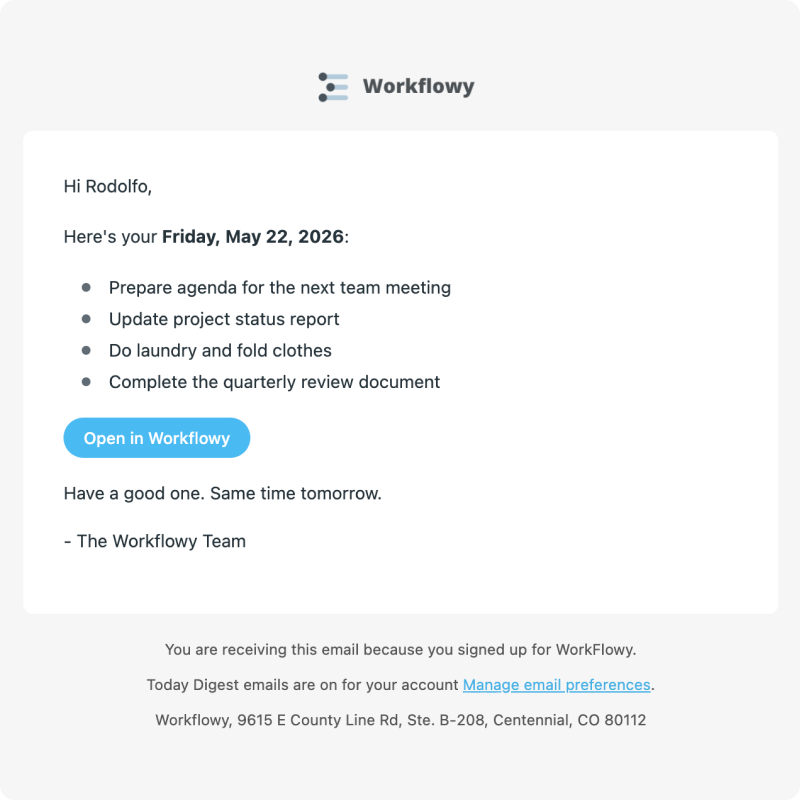
Start your day knowing exactly what’s on your plate without opening Workflowy.
Today Digest is a morning snapshot of everything on your Workflowy calendar for today, delivered to your inbox at 8 AM.
iOS Quick Add Shortcut + Action Button Intent

Capture thoughts in Workflowy without stopping what you’re doing. A native iOS App Shortcut lets you add items to Workflowy from the Shortcuts app or Siri, without opening the app first.
Say “Hey Siri, Add to Workflowy”, then speak or type your note. It saves to your Inbox node automatically
If your iPhone has an Action Button, you can assign Quick Add directly to it for one-press capture.
Plan less. Protect more. Do what matters.
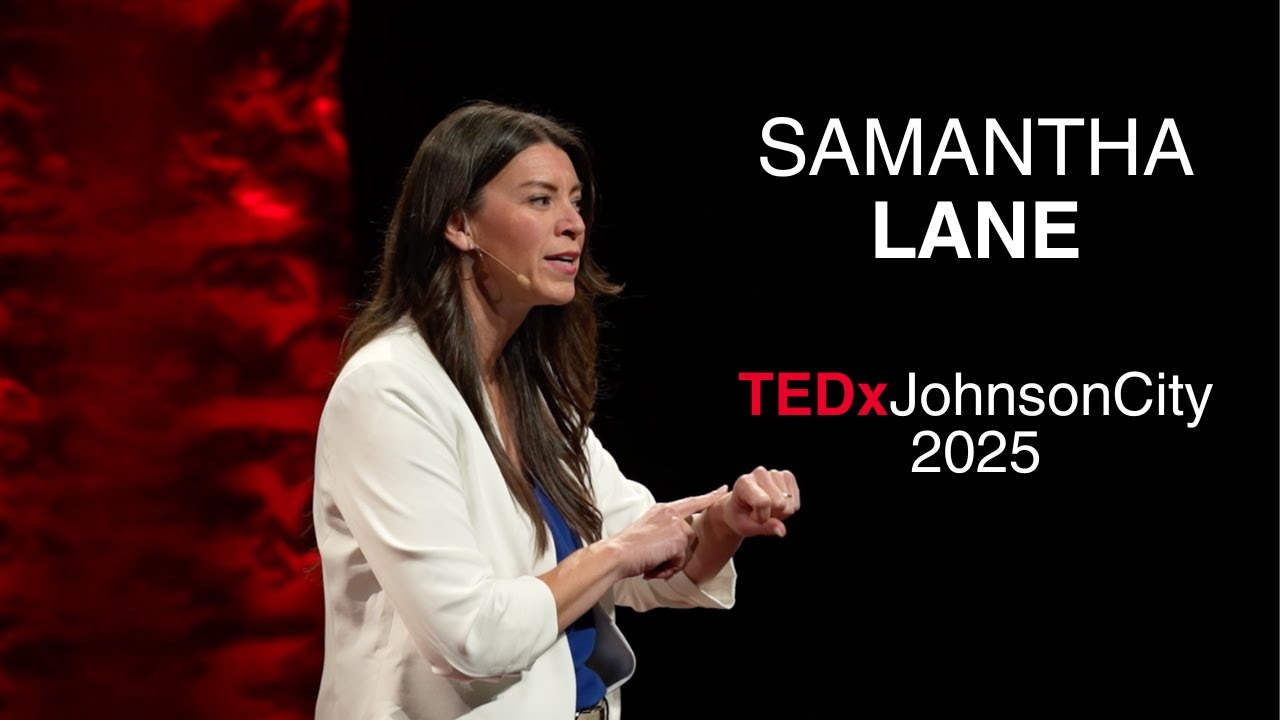
“I’m Samantha Lane – productivity expert and time management’s biggest fan. I teach individuals and teams to simplify time management so they can be both present in life and more productive in their work. This is why I love Workflowy. It’s flexible, intuitive, and keeps planning simple. After years of searching, I’ve found it to be the best digital companion to my paper planning tools. If you are feeling overwhelmed right now, check out my TEDx talk where I share the 3P Framework that changed my life and sparked my work. If you are interested in how I use Workflowy, all you have to do is ask!”
Other improvements
- HEIC/HEIF photo uploads.iPhone photos can now be uploaded directly without converting them first.
- Video plays immediately after upload. Uploaded videos now display inline straight away, without requiring a page reload.
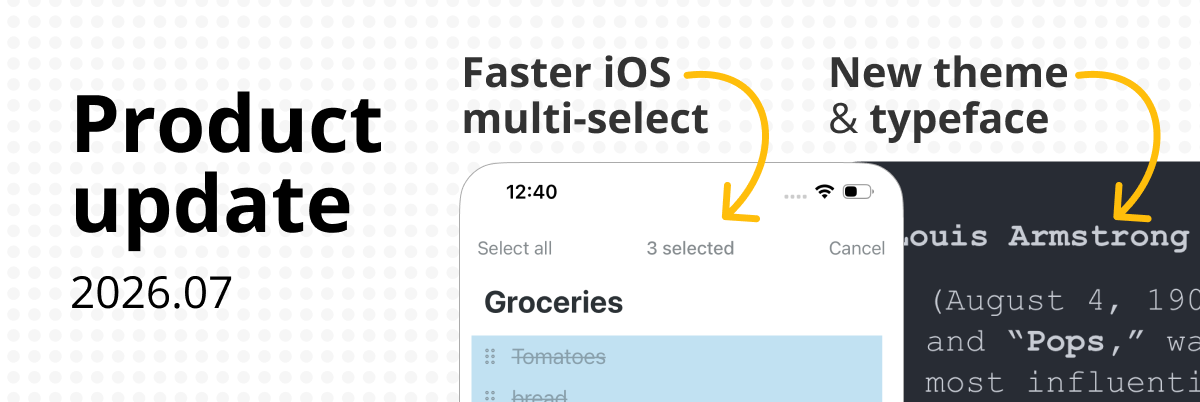
- Accessible fonts. OpenDyslexic is now available on mobile and we’ve added Atkinson Hyperlegible for all platforms.
- Strikethrough completed items in Markdown export. Completed bullets now render with strikethrough formatting when exporting to Markdown.
- Google Calendar sync. When a synced event has a location, it appears as a detail node beneath the event in Workflowy
- Google Calendar sync. Synced event names display in 12-hour format when no time preference has been set.
Bugs fixed
- iOS zoom crash on large outlines. Fixed a crash when zooming into a node with a large number of children.
- Fixed a bug where using the macOS symbol/emoji picker left arrow key navigation broken until you clicked elsewhere.
- Fixed an issue where pasting formatted HTML content (e.g. from a web page) into a note removed all line breaks.
- Date sort now correctly handles dates preceded by a space.
Really enjoyed this update on the iOS Quick Add feature! It’s been a game-changer for my productivity. I love how Workflowy keeps evolving—it makes organizing thoughts so much smoother! Thanks for sharing! run 3
I don’t know when “Move to” got adjusted that I force-jump to the location I move a node to. It wasn’t like that in the past. Is there a way to just move a node without jumping to that location?
It would be handy if the today digest included ‘found dates’, items dated for the current day across Workflowy that don’t live in the calendar. That would give me a much better picture of what today is looking like.