
Hello,
This month, we’ve made improvements across Workflowy, from editing and navigation to mobile, sync, boards, files, and help.
Sync and sign-in
- If your internet drops, Workflowy now reconnects more reliably so new changes sync better.
- Verification code fields now support autofill on supported browsers (including mobile Safari).
Mobile
- Fixed: Hiding the keyboard or switching apps on Android no longer does weird things to editing and searching.
- iOS keyboard suggestions now work correctly when Workflowy capitalizes the first word of an item.
- Long-pressing a node immediately after opening the mobile app now shows the multi-select menu.
- The ‘Add from Template’ picker on mobile now closes properly.
Editing and navigation
- When completed items are hidden, completing several items in a row now keeps the cursor on a visible item.
- Copying or cutting text from a zoomed item title now preserves its formatting instead of making it bold.
- The Date Picker and Calendar Picker are now fully keyboard accessible.
- Large menus and dropdowns now stay on-screen and scroll when needed.
- macOS: Using the arrow keys or pressing Enter in the emoji picker no longer moves the Workflowy caret or creates unwanted bullets.
Boards, mirrors, and files
- Exports now include mirrored descendants even if they weren’t expanded on screen.
- Creating a card now expands its board column, including in mirrored boards, so the new card is visible.
- Undoing a File upload no longer leaves a missing file placeholder.
Appearance
- New theme and typeface: One Dark theme and Courier New typeface.
Help and documentation
- You can now search Workflowy Help docs
- Tidied up Zapier docs
- Help docs are now available in Spanish, French, Japanese, and Korean.
I’m not sure what to do with this observation, so I’ll drop it here. I’m an avid user of dashboard layout (yes, I know it’s perpetually in labs). When I updated the software today, I discovered that each board on the dashboard is now smaller! Like several lines of text per box smaller. I don’t see this listed in any changes that I’ve read, so I’m wondering if it was intentional or a by-product of another change. From my perspective, this makes it more difficult to work with the information in the dashboard.
Great update!
Can we have also Jump to Bookmark in the current page??
Set a bookmark to a point (bullet-line), move around and jump to this bookmark WITHOUT entering inside-remain in parent page???
Why is it too difficult to have these native features???
Search within current open Workflowy page/list itself? Not really, no
Bookmark a specific bullet and jump to it in parent-list context without opening it? Also likely no native feature
Syncing is one of the most important parts of any productivity app, especially when you regularly move between Space Waves devices.
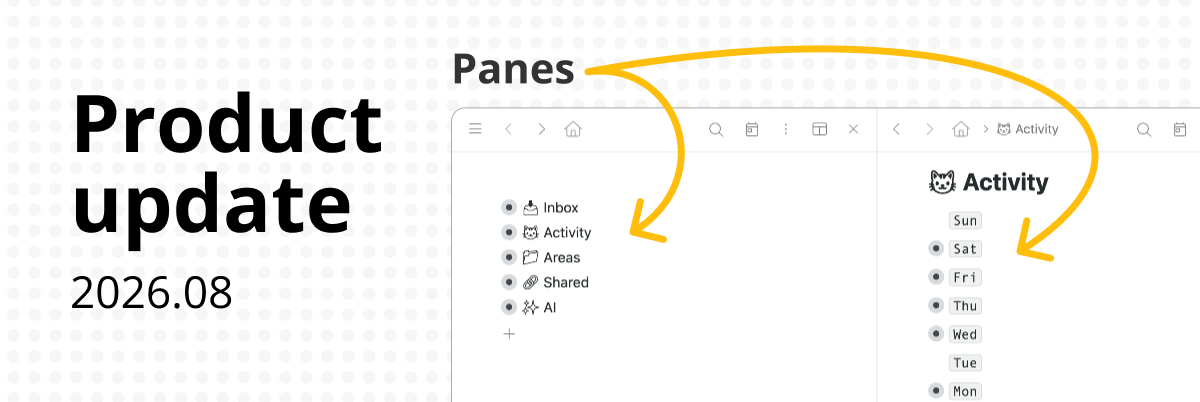
I like the new multi pane view on the mac version, but it is buggy. Clicking on a node found in search doesn’t empty the search bar so you don’t immediately see inside the node, and sometimes doing stuff on one pane will cause collapsing of expanded nodes on the other.