Hello,
Here’s what’s new in Workflowy. Read PDFs beside your notes, export your outline automatically on desktop, and let templates fill in details like today’s date or your name. Plus, lots of improvements.
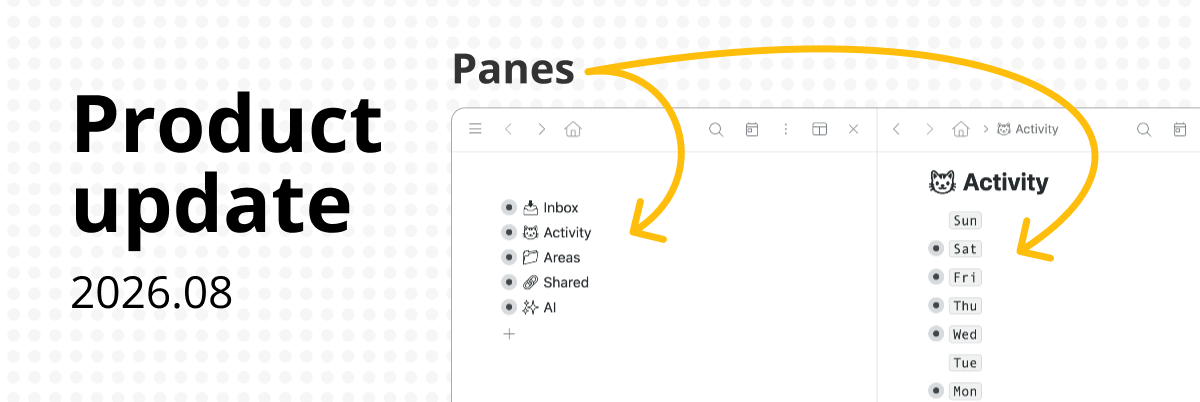
PDFs in Panes
Read a PDF beside your outline so you can take notes or check a reference without losing your place.
Hold Ctrl on Windows or Linux, or Cmd on a Mac, and click a PDF. If you’re already previewing it, click Open in pane in the header.
Available in desktop browsers and the desktop apps.
#Template variables
Add variables to a #Template, and each new copy can automatically include details like today’s date or the name of the person who made it.
Try {{ today }} to date a daily journal entry or {{ now }} to timestamp meeting notes.
In a shared node, use {{ user_mention }} to tag whoever makes the copy. You can also use {{ user_name }}, {{ user_initials }}, or {{ user_email }}.
Variables work in the titles and notes of nested bullets, too. Click your template button or use /Add from template to make a copy.
New to templates? Read the templates guide.
Automatic Local Export
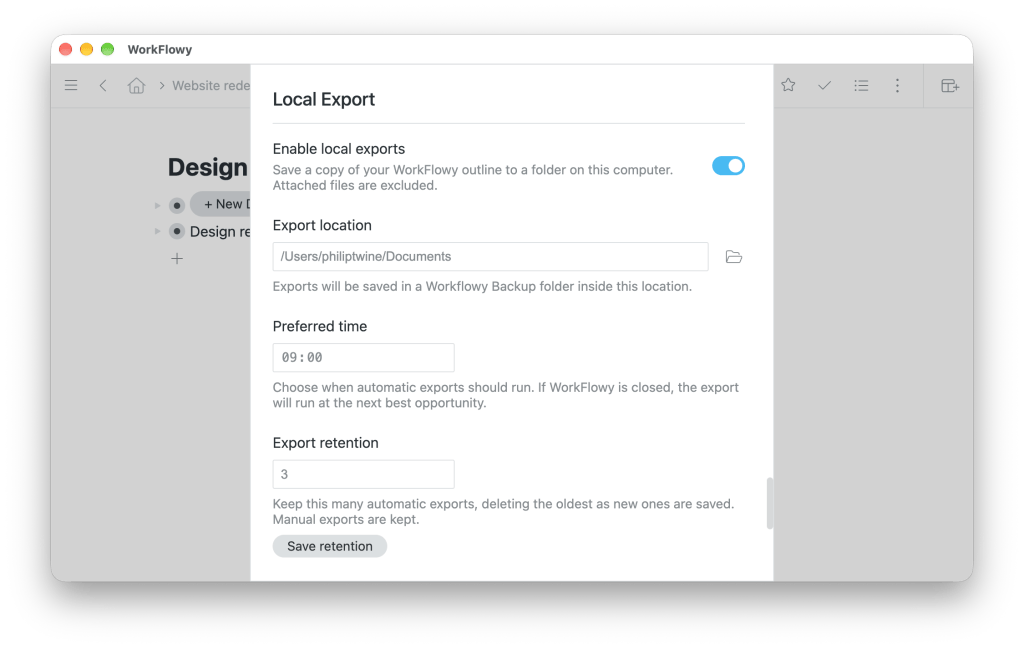
The Workflowy desktop app can now export a daily copy of your outline to your computer.
Open Settings and turn on Local Export. Pick a folder, set a time, and choose how many automatic copies to keep. You can also make a manual export whenever you like.
Exports include your outline in OPML and JSONL formats. Paste from the OPML copy to bring back layouts such as boards, tables, and to-dos.
Uploaded files are excluded (for now).
Pane improvements
- Open a bullet between panes: Drop a bullet onto the divider to open it in a new pane. The bullet stays in its original location.
- Pane layout: Double-click a divider to swap neighboring panes. Workflowy also remembers your chosen pane widths after a reload.
- Pane navigation: Back and Forward restore your scroll position in each pane. Branches you open or close keep their state as you zoom around.
- Tag searches: Hold Shift and click a tag to add it to or remove it from the search in every open outline pane. Each pane keeps its other search terms.
- Shortcuts: Shortcuts assigned in a secondary pane still work after you navigate away or reload.
- Pane performance: Workflowy stays more responsive when you edit or move bullets with many panes open, and closing a pane takes less time.
Other improvements
- Profile photos: With Conversations enabled, add a photo in Settings → Account. It appears beside your comments and in @mentions on shared nodes.
- @mention styles: With Conversations enabled, choose how mentions appear in Settings → Personalization → Mention style: full name, avatar with initials, or avatar only.
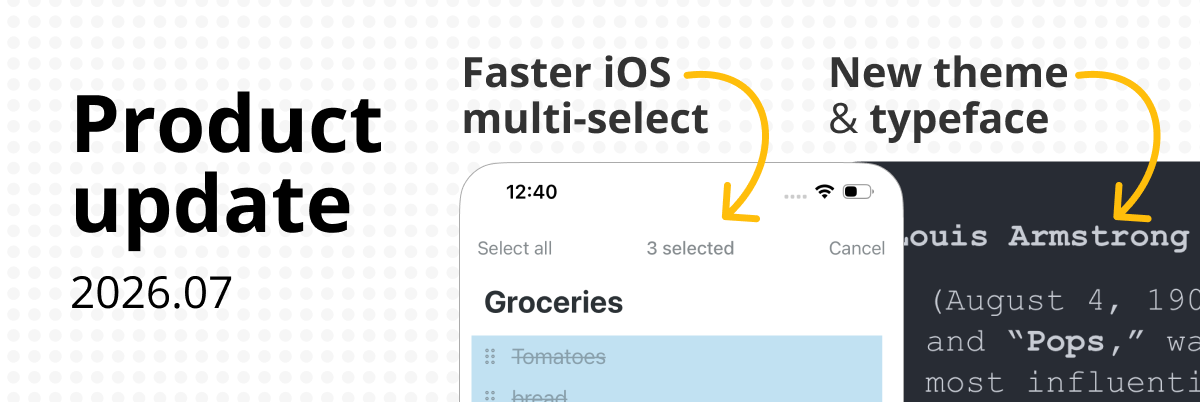
- Save to Workflowy: The iOS app Share To sheet previews the page title and selected text and lets you retry a failed save on iOS and iPadOS 17.6 or later.
- Search: You can keep typing while Jump To, Move To, or Mirror To looks for dates like “today.” Searching large outlines is faster, especially when they contain mirrored branches, and clearing a search in a pane is quicker too.
- Mirrors: You can now mirror an existing mirror across browser tabs. When you follow a mirror in a pane, its breadcrumbs preserve the path you took.
- Getting started with the API: The API reference shows how to create a key, make your first request, or connect an AI tool to the desktop app.
- Japanese text entry: Converting text to kanji no longer opens the formatting menu over the word you’re composing.
- Linux sign-in: Signing in with Google returns you from your browser to the Workflowy desktop app.
- Email to Workflowy: Forwarded messages using older text encodings now preserve their characters, including Greek text sent from Outlook.
- Billing: For subscriptions billed through Stripe, annual renewal reminders show the upcoming invoice total in the billing currency.