
Drag and drop across tabs

You can now drag nodes between Workflowy tabs in Chrome, Edge, Firefox, Dia on PC/Mac and Safari on Mac. It works with Chrome’s split screen view too.
This makes it easier to move nodes between different parts of your outline without scrolling back and forth.
Note:
- Both tabs need to be signed into the same account.
- You can’t drag between different apps (like from the desktop app to your browser).
- Dragged items might take a second to appear in some browsers.
Numbered Lists

- Toggle numbered lists on/off in the Settings.
- Type [number]. followed by a space to create a numbered list
- Start at any number (e.g., type 256. [text] to begin at 256)
- Pasted markdown numbered lists (e.g., 1. [text]) are automatically formatted
- Numbers are preserved in search results, zoom view, imported and exported text.
Dates

- Search Date tags by the day of the week. For example, searching for day-of-week: Monday will match any Date tag that is a Monday.
- Use your custom date format in global search
- Fixed: Date Picker bug that changed the year to next year when selecting any past date.
- Fixed: Typing ‘morning’, ‘afternoon, ‘evening’, ‘noon’, or ‘night’ no longer auto-converts to dates
- Fixed: tomorrow typed between midnight and 1am now correctly tags the next day
General

- Tidy up your Calendar without having to change the layout settings
- Faster alphabetical sorting for large lists
- Copy to Clipboard button added to code blocks
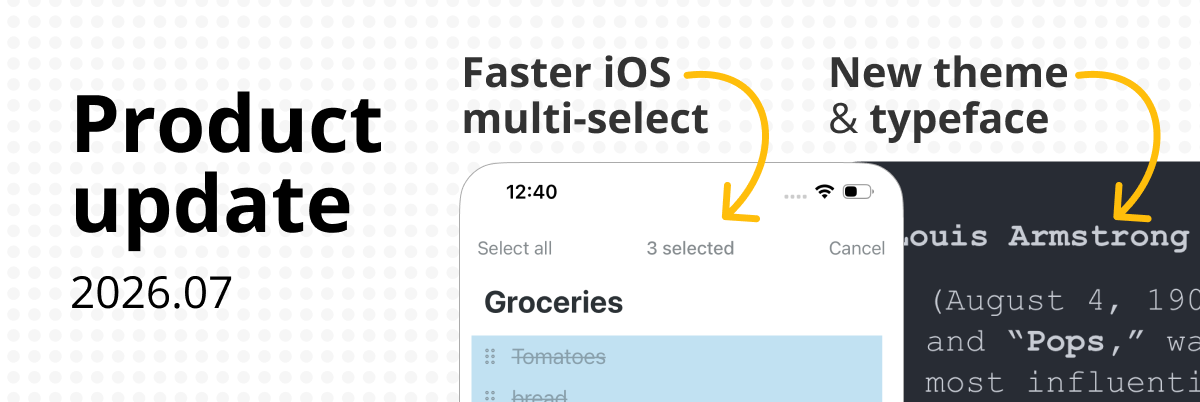
- New setting: auto-capitalize first letter of new bullets
- New font: Junicode
- Fixed: Download videos in the Android app
- Fixed: White flash when opening the iOS app in dark mode
- Fixed: YouTube Shorts playback
Numbered lists are such a simple feature, but they make organizing íntructions, projects steps and meeting notes much easier. It’s great to see Workdays offering more flexibility in how users structure their information!
Geometry Dash Lite
Love seeing Workflowy continue to improve! The updates look really useful for keeping notes organized and making everyday workflows smoother.
doodle jump
Super !
Peut on espérer un jour les fonctions “machine à écrire” et “contraste ” ?
Machine à écrire : la ligne d’écriture reste statique, centrée au milieu de l’écran par exemple.
Contraste : n’afficher clairement que la ligne ou le paragraphe en cours de rédaction. Le texte précédent étant lisible mais estompé.
Deux fonctions que l’on trouve chez Ulysses par exemple, et qui sont fort confortables pour aider à la concentration / éviter les distractions.
omg thank you so much for finally adding the drag and drop feature between split tabs, it removes so much friction!! had to go to Tana, only to remember how workflowy outperformed in every other aspect than the drag and drop pane feature
The drag and drop between split tabs in Chrome is very appreciated
One of the most vibrant fan fnf online communities in contemporary independent gaming was formed by thousands of musicians and artists sharing their work online. The identity and legacy of the game were shaped by this creative ecosystem.
Genial !!! Trabajar con pantalla dividida y trasladar nodos de una a otra es genial. Michas gracias y felicitaciones muchachos
Workflowy has been improving a lot lately. It was already great, and now it keeps getting better every week.