
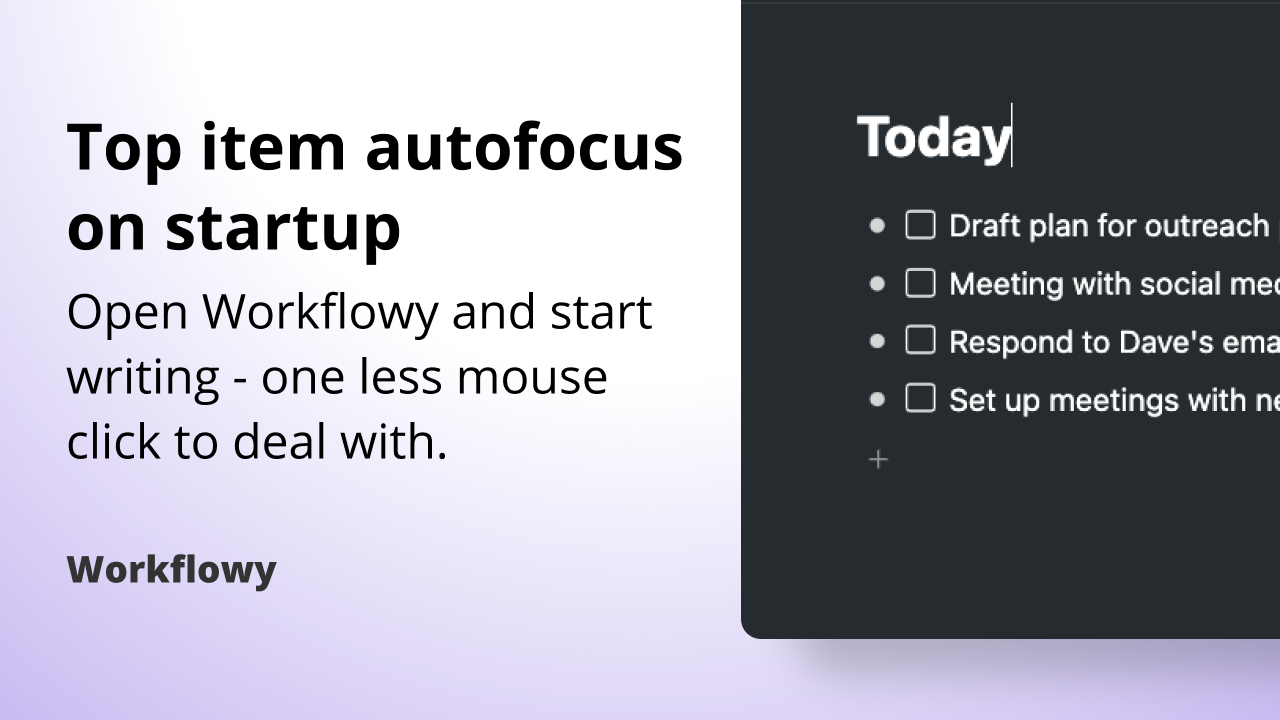
Hey there folks, today’s change is a small one but you’ll notice it if you’re an avid keyboard shortcut user. Previously, whenever you opened Workflowy, you would have to first click somewhere in the app and then you would be able to start writing. Now we automatically focus on the topmost item so you don’t have to take your hands off the keyboard.
To try it out ✨
- Open the Workflowy app
- Start typing – no more clicking first required ⚡️
Let us know what you think in the comments below.
Until the next one!
Just want to say thank you for adding this! It might not be a big flashy feature, but small usability improvements like this really does mean a lot for everyday use. Considering that this improvement literally affects us every time we load up the app, the accumulated savings over time will add up. Thumbs up!