
WorkFlowy is brilliant at capturing and organizing your thoughts… but the more complex your one, zoomable document gets, getting around quickly may become more challenging — that is, unless you use our new (text) shortcuts feature.
What are text shortcuts?
A text shortcut in WorkFlowy is a short string of letters, numbers, or both — like bm1, tl, or ib, etc. — that you assign to a specific list or outline. Once created, you can type that shortcut in the Jump-To menu and jump instantly to the spot you had in mind.
Why they’re useful
- Speed: No need to scroll or search — type the shortcut, hit Enter, and you’re there
- Simplicity: Shortcuts are easy to remember because you choose them
- Focus: Less time navigating means more time working in flow
Three ways to create a text shortcut:
1. Via the Jump-To menu
- Open the Jump To menu (
Ctrl+Kon Windows /Cmd+Kon Mac) - Search for the list you want
- Hover over the search match → click on the Add Shortcut pill
- Type in a short, memorable text string (e.g.,
chfor checklist) - Hit Enter
2. Via the slash command feature
- Place your text cursor in the list you want to add a shortcut to
- Type
/shortcut - Enter your shortcut text string
- Hit Enter
3. Adding shortcuts for saved searches
- Search for something via the search box (e.g., filter by a tag or keyword)
- Click on the lightning bolt icon in the search box
- Assign a text shortcut to that search
Using your shortcut in the Jump To menu will instantly re-run your saved search.
But wait… there’s more!
Shortcuts aren’t just for navigation — they also pair perfectly with other WorkFlowy features:
- Move To: Instantly send items to a shortcut-defined outline
- Mirror To: Mirror items to multiple contexts using shortcuts
Start with a handful of shortcuts for your most important outlines, and you’ll find that moving around WorkFlowy becomes ridiculously easy.
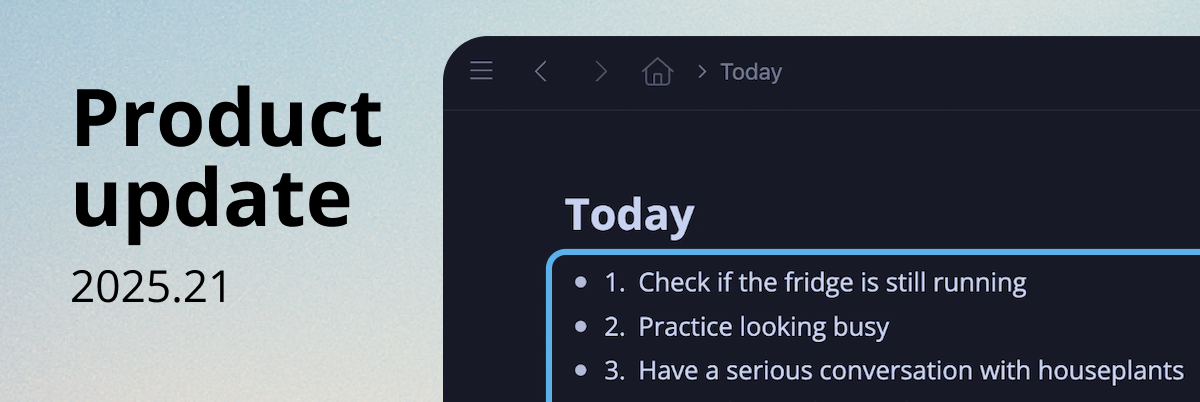
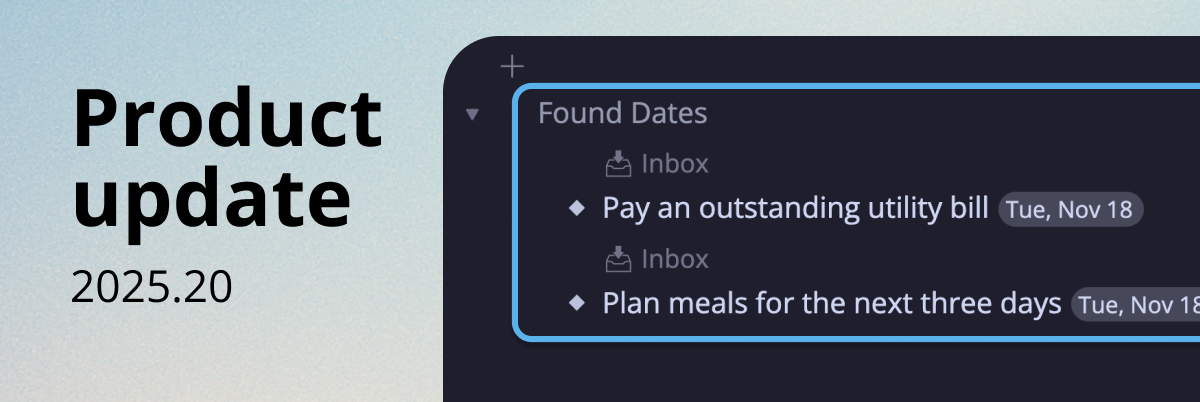
P.S. All the tasks from the video were real:
How can I display a list of current text shortcuts I’ve created? Also, how can I delete a shortcut I no longer need? Thanks! Great new navigation feature.
Amazing!!
Another excellent video Frank!
🎬
He venido utilizando los atajos desde hace un tiempo y es muy muy útil. Felicitaciones !!! Y muchas gracias !!!
🚀 ⚡
First!