
Over the years, thousands of WorkFlowy users have streamlined their lives using the WorkFlowy Timeline method. The system is as simple as it gets — yet it’s underpinned by a modus operandi (a philosophy, really) powerful enough to reduce anxiety, stress and task overwhelm from day one.
Give it a try it and tell me if it’s not so.
The core mantra that maintains the system is to push everything to the next logical, reasonable, or opportune time on your Timeline — which allows everything to surface at exactly the right time. It’s a system that makes it literally impossible for things to fall through the cracks. It’s a system that let’s you rest easy, because it’s one you can trust.
The Timeline method helps you align your life with time itself.
The Training Wheels extension
Today I’m sharing a tool that makes the moving parts of maintaining your WorkFlowy Timeline easier and more automated than ever: a Chrome extension called Timeline Training Wheels (which you can also use on Opera, Edge, Vivaldi, Brave…).
The Training Wheels extension is an overlay that gives you a more “traditional” calendar and daily planner view right inside WorkFlowy. It’s a different way of seeing your Timeline — especially for those who are just starting out.
Timeline Training Wheels helps you to effortlessly:
- Create your calendar in the format of your choice
- Push and pull tasks between your calendar and daily planner
The life cycle of an extension
You don’t need this extension to create and maintain a timeline in WorkFlowy. It’s simply a helper tool… and ideally, anything useful that it offers would be great to eventually have in WorkFlowy itself. In fact, the team is currently working on a calendar implementation, which you’ll hear more about in the coming days and weeks.
So… give the extension a try and then give us your feedback. Pop them in the comments below this post, in this Slack thread (Slack invite link), or in our Discourse forum.
Get The WorkFlowy Timeline book for free
If you’re curious about my timeline concept, you can now get my book, “The WorkFlowy Timeline” for free. It has dramatically changed the way thousands of WorkFlowy users do productivity — helping plot their events, tasks, reminders, projects, forward logs, worries (and everything else) on their life’s timeline, so that they can get a handle on life and live out the things what would otherwise amount to nothing more than intentions.
Install Timeline Training Wheels from the Chrome Web Store.
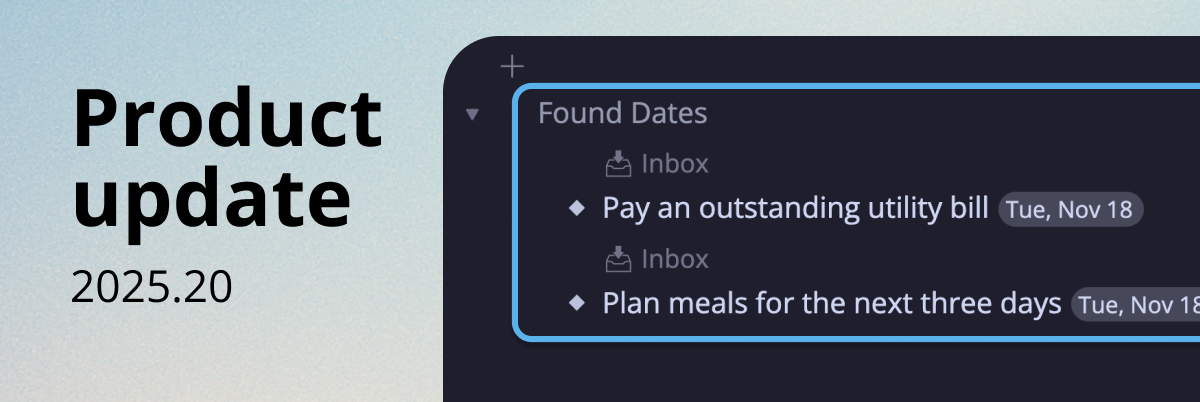
Right after this post the new calendar feature came out, and I’d like to use the training wheels extension with this new structure. It almost works well together, but when the calendar feature creates a new “today” node, it is in a separate month structure. Is there a way to make the training wheels recognize the new native workflowy calendar feature months as it’s own months?
Thank you Franck,
Wonderfull job !
Is there a way to make it work with a calendar having the following structure?
🗓 Agenda 2025
– Janvier
– L M M J V S D
– 01 02 03 04 05
– #objectifsemaine
– Wed, Jan 1
– Thu, Jan 2
– Fri, Jan 3
– Sat, Jan 4
– Sun, Jan 5
– #revuehebdo
– 06 07 08 09 10 11 12
– #objectifsemaine
– Mon, Jan 6
– Tue, Jan 7
– Wed, Jan 8
– Thu, Jan 9
– Fri, Jan 10
– Sat, Jan 11
– Sun, Jan 12
– #revuehebdo
Thank you in advance and please continue your wonderfull work with Workflowy !
Best Regards,
MT
Excelente !!! por doble partida. 1º porque tengo el libro de Frank y no lo he leído por desenfoque de mis lecturas. 2º De lo probado en estos minutos me parece muy útil. Gracias Frank
You’re very welcome, Carlos!!